






























Sonic.EXE: Mania!
About the Game
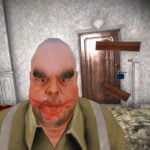
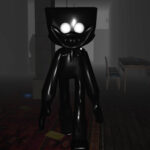
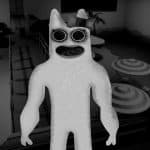
Sonic.EXE: Mania! is a horror platformer that focuses on an evil version of Sonic and a darker take on familiar characters. You can explore its horror-themed concept, platforming gameplay, and stages inspired by the visual style of Sonic Mania. The project description highlights updated physics, new visuals, and additional gameplay mechanics.
🎮 Explore the Horror Platforming
Your main focus in Sonic.EXE: Mania! is the threat posed by the evil Sonic.EXE. The story description refers to characters such as Sally and Rouge, along with a goal to stop the danger caused by the antagonist.
The exact story progression and complete list of playable characters are not fully documented in the available sources. The central theme, however, revolves around a dangerous Sonic counterpart and characters who become part of the conflict.
🌀 What Can You Expect?
- Platforming gameplay: Explore stages in a side-scrolling platform game environment.
- Horror themes: Encounter a darker interpretation of Sonic and related characters.
- Updated physics: The project description mentions changes to movement physics, although the precise details are not specified.
- New visual style: The presentation takes inspiration from the visual design associated with Sonic Mania.
- Story-driven premise: The central objective concerns stopping the evil Sonic.EXE and dealing with the threat described in the story.
🔍 What Makes Sonic.EXE: Mania! Different?
The main point of interest is its use of familiar Sonic-style platforming alongside a horror-focused premise. Instead of concentrating solely on collecting items and defeating conventional enemies, the story centres on an evil Sonic counterpart.
The project also mentions Sally.EXE and Rouge.EXE among its inspirations. However, the exact roles of these characters in every stage have not been fully documented. You should not assume that every referenced character is playable.
🕹️ How to Play Sonic.EXE: Mania!
Desktop Controls
- Arrow Keys: Use for movement if supported by the version you play.
- Jump Button: Use the assigned jump key to cross gaps and reach higher platforms.
- Pause Button: Use the assigned pause key if the game provides one.
Mobile Controls
- Touchscreen controls have not been confirmed for this specific project.
- If you play a browser version, check whether it provides an on-screen directional pad and action buttons.